
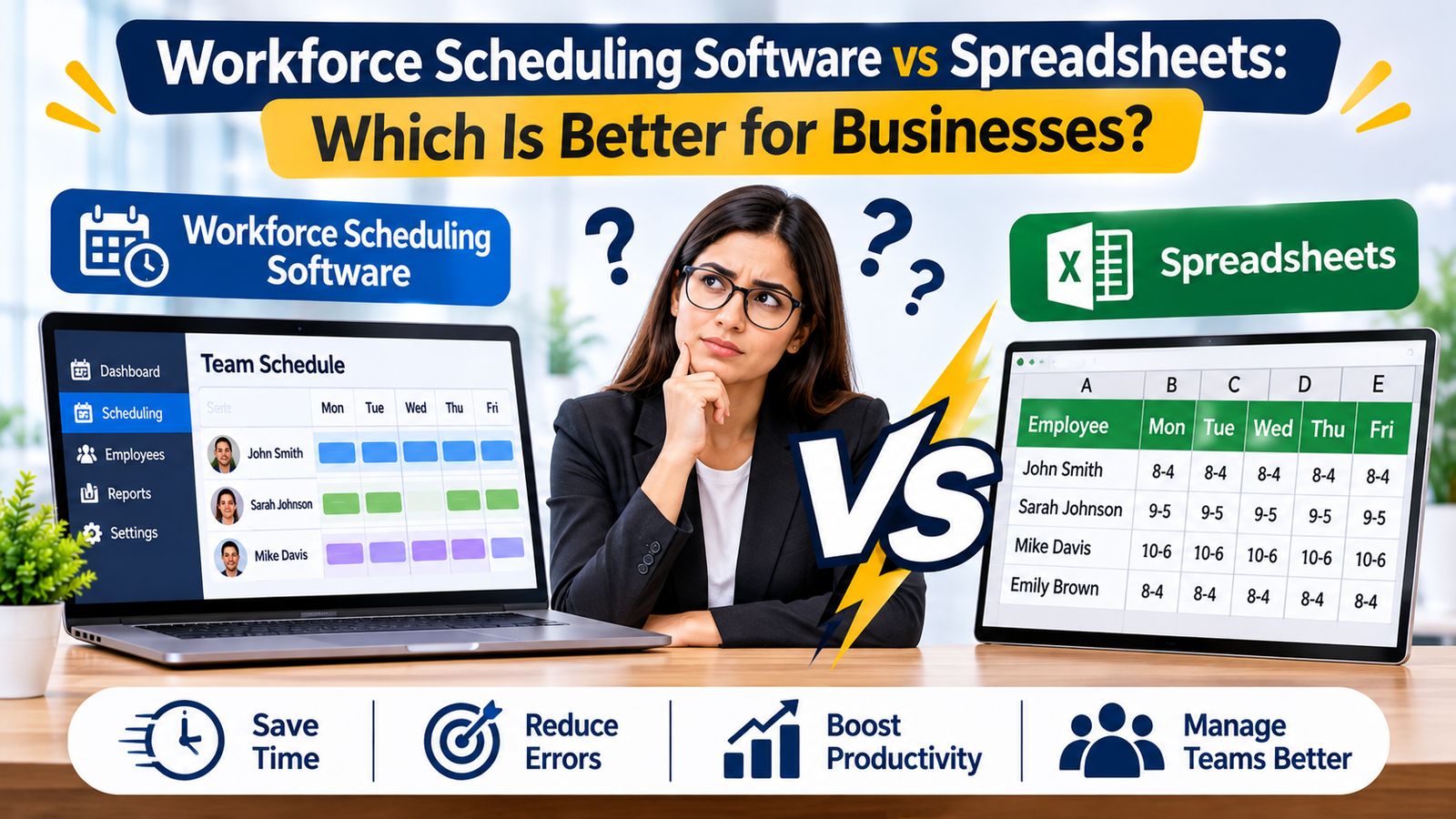
Creating employee schedules may seem simple when a business has only a few employees. However, as teams grow, managing availability, shifts, overtime, leave requests, shift changes, and multiple locations can become increasingly difficult. Many businesses continue using spreadsheets because they are familiar, inexpensive, and easy to customize. Others are moving toward dedicated workforce scheduling software to improve efficiency and reduce scheduling problems.
The question is: which is better for businesses—workforce scheduling software or spreadsheets?
The answer depends on the size and complexity of your workforce, but for growing organizations, specialized scheduling software generally provides greater efficiency, accuracy, visibility, and scalability. Spreadsheets can still work for small teams with simple schedules, but they become difficult to manage when scheduling requirements increase.
Understanding Spreadsheet-Based Employee Scheduling
Spreadsheets are one of the most common traditional methods businesses use to create work schedules. Managers typically create a table showing employees, working days, shift timings, leave, and other scheduling information.
For a small business with a handful of employees, this approach can be sufficient. Managers can manually update schedules, highlight changes, and share the spreadsheet with employees.
However, spreadsheet scheduling depends heavily on manual work. Every employee absence, shift swap, overtime adjustment, or availability change may require the manager to update multiple cells.
As the business grows, these manual processes can create errors and consume valuable management time.
What Is Workforce Scheduling Software?
Workforce scheduling software is designed specifically to help businesses plan employee shifts, manage availability, track time-off requests, and maintain adequate staffing levels.
Instead of maintaining a manually updated spreadsheet, managers can use a centralized system to create schedules and communicate changes to employees.
Modern Employee Scheduling software can also help businesses organize employee availability, manage shift coverage, reduce scheduling conflicts, and provide employees with easier access to their schedules.
This makes scheduling more structured and less dependent on manual calculations.
Workforce Scheduling Software vs Spreadsheets: Key Differences
There are several important differences between these two approaches.
1. Ease of Schedule Creation
Spreadsheets require managers to manually enter employee names, working hours, shift timings, and schedule changes. Creating a schedule can become repetitive, especially when there are dozens or hundreds of employees.
Scheduling software is designed to simplify this process. Managers can use employee availability, business requirements, working hours, and staffing rules to build schedules more efficiently.
The result is less administrative work and more time for managers to focus on operations.
2. Managing Employee Availability
Employee availability can change frequently. Employees may have personal commitments, college schedules, second jobs, or other responsibilities.
With spreadsheets, managers need to collect this information and manually update the schedule.
Scheduling platforms can provide employees with ways to submit or update their availability. Managers can then use this information while planning shifts.
This creates a more organized scheduling process and reduces the possibility of assigning employees to shifts when they are unavailable.
3. Handling Time-Off Requests
Managing vacation, sick leave, personal leave, and other time-off requests through email, messages, or spreadsheets can quickly become confusing.
A dedicated scheduling platform can centralize time-off requests and make them easier for managers to review.
Instead of checking multiple communication channels, managers can see employee requests alongside scheduling information. This can make approval decisions faster and reduce communication gaps.
4. Shift Swaps and Schedule Changes
Employees frequently need to exchange shifts because of personal commitments or unexpected circumstances.
With spreadsheets, employees may need to contact managers directly before making a change. The manager then has to update the spreadsheet and communicate the new schedule.
A workforce scheduling platform can make shift changes more structured. Depending on the system, employees may be able to request or manage shift swaps while managers retain control over approvals.
This reduces the risk of outdated schedules and helps everyone stay informed.
5. Reducing Scheduling Errors
Manual scheduling creates opportunities for mistakes.
For example, a manager may accidentally schedule an employee for overlapping shifts, forget an approved leave request, or assign too many hours to one employee.
These errors can affect productivity, employee satisfaction, payroll, and customer service.
Automation and scheduling rules can help identify potential conflicts before schedules are finalized. Employee Scheduling software can therefore provide an additional layer of control that spreadsheets typically cannot offer.
6. Managing Multiple Locations
Spreadsheets can become particularly difficult when businesses operate from multiple branches or locations.
Managers may need separate sheets for each location or maintain a large master spreadsheet. Keeping all versions synchronized can be challenging.
Workforce scheduling software can provide centralized visibility across locations. Managers can often view schedules by branch, department, team, or role.
This is particularly useful for retail businesses, hospitality companies, healthcare organizations, and other businesses with distributed teams.
Healthcare and Restaurant Scheduling Requirements
Different industries have different scheduling challenges.
Healthcare organizations may need to schedule employees based on qualifications, roles, departments, availability, and required staffing levels. Healthcare Staff Scheduling Software can help organizations manage these complex scheduling requirements more systematically.
Restaurants face another set of challenges. Employee availability can change frequently, and staffing requirements may vary between breakfast, lunch, dinner, weekends, and special events. Restaurant Scheduling Software can help managers organize shifts while maintaining the required level of staff coverage.
Although the scheduling requirements differ, both industries demonstrate why manual spreadsheets can become difficult to maintain as workforce complexity increases.
7. Communication and Schedule Visibility
One major advantage of scheduling software is improved communication.
When a manager changes a spreadsheet, employees may not immediately know about the update. Someone could continue following an older version of the schedule.
A centralized scheduling system can provide employees with access to current schedules and schedule changes. Depending on the platform, notifications may also alert employees about new shifts, changes, approvals, or other updates.
This can reduce confusion and improve accountability.
8. Reporting and Workforce Insights
Spreadsheets can store scheduling information, but extracting useful workforce insights often requires additional manual work.
Dedicated scheduling systems can provide reports and dashboards related to scheduling, staffing, working hours, overtime, attendance, and other workforce metrics.
These insights can help managers identify patterns such as frequent overtime, understaffing, excessive labor costs, or recurring scheduling problems.
Better visibility allows businesses to make more informed workforce planning decisions.
When Are Spreadsheets Still a Good Option?
Spreadsheets are not necessarily bad.
For a very small business with a limited number of employees and simple shift patterns, a spreadsheet may be enough.
They can be inexpensive, flexible, and familiar. Businesses that rarely change schedules may not need advanced scheduling functionality.
However, businesses should reconsider their approach when scheduling starts consuming significant management time or when errors become frequent.
Warning signs include:
- Frequent schedule conflicts
- Employees missing schedule updates
- Too many manual schedule changes
- Difficulty managing employee availability
- Increasing overtime
- Complicated leave management
- Multiple locations
- Large numbers of employees
- Frequent shift swaps
- Difficulty tracking staffing requirements
When these problems appear, moving from spreadsheets to dedicated software can provide significant operational benefits.
The Cost of Staying With Spreadsheets
One reason businesses continue using spreadsheets is that they appear inexpensive. However, the actual cost may include much more than software expenses.
Managers spend time creating and updating schedules. Employees spend time communicating availability and schedule changes. Errors can create overtime costs, understaffing, payroll issues, and productivity problems.
As workforce complexity increases, the hidden administrative cost of spreadsheet scheduling can become significant.
In comparison, scheduling software is an investment designed to reduce repetitive work and improve workforce management.
How to Choose the Right Scheduling Solution
Before selecting a scheduling platform, businesses should consider their specific requirements.
Look for features such as:
- Employee availability management
- Shift scheduling
- Time-off request management
- Shift swap functionality
- Multiple-location scheduling
- Overtime tracking
- Employee notifications
- Mobile access
- Role-based scheduling
- Reporting and analytics
- Integration with payroll or time-tracking systems
The best solution should match the organization’s workforce size, industry requirements, and operational complexity.
Final Verdict: Software or Spreadsheets?
For very small teams with simple scheduling requirements, spreadsheets can remain a practical solution.
But as businesses grow, workforce scheduling becomes more complicated. Managing employee availability, shift swaps, leave requests, overtime, multiple locations, and staffing requirements manually can create unnecessary administrative work.
Workforce scheduling software provides a more scalable approach by centralizing schedules, improving communication, reducing manual errors, and giving managers greater visibility into workforce operations.
The goal is not simply to replace spreadsheets. It is to create a scheduling process that is faster, more accurate, easier to manage, and capable of supporting business growth.
For businesses with increasingly complex workforce requirements, moving from spreadsheets to a dedicated scheduling solution can be an important step toward better workforce management and operational efficiency.