
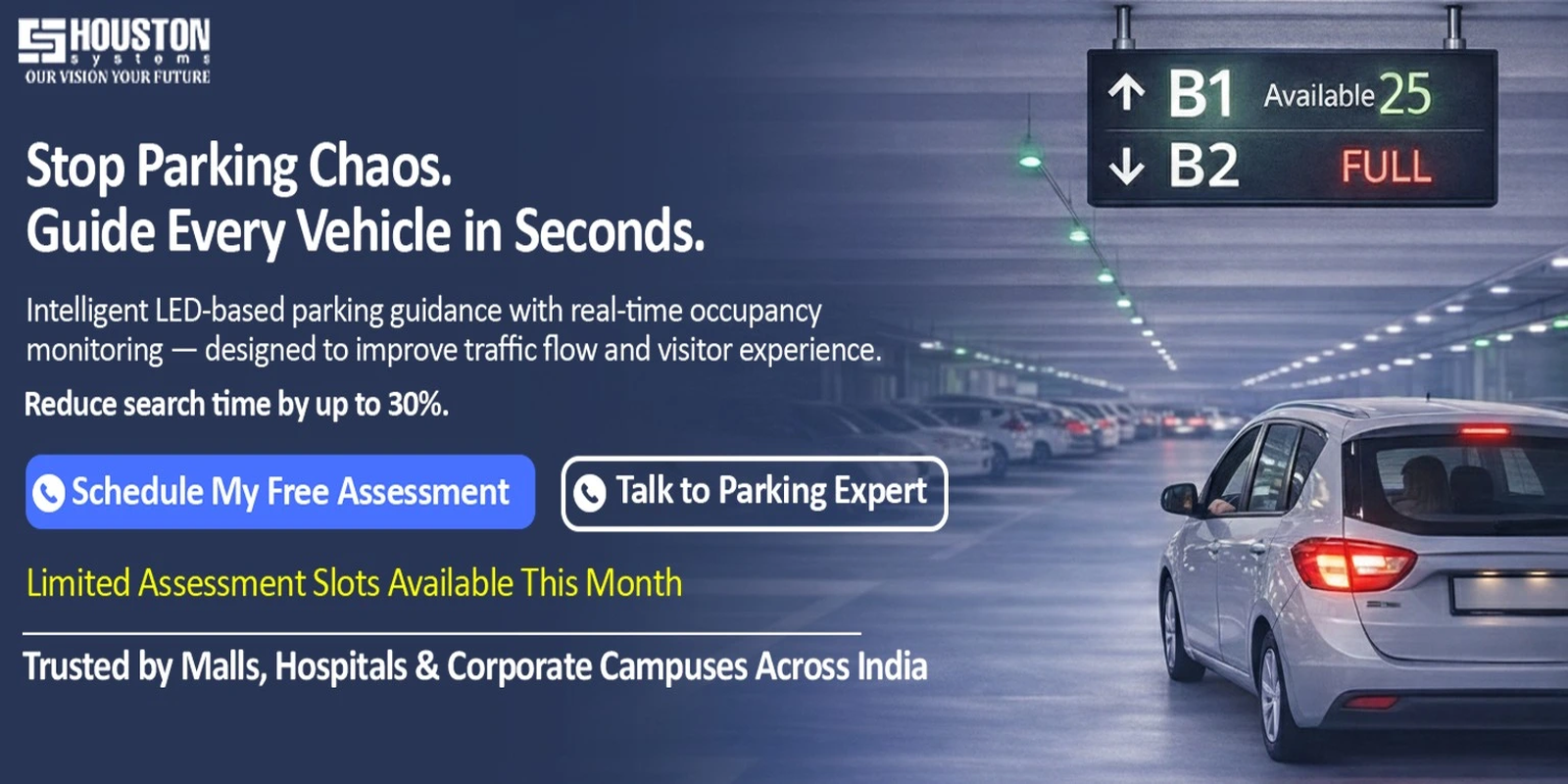
A camera-based parking guidance system uses cameras and image-processing software to detect whether each parking bay is free or occupied. The result is shown to drivers through coloured LED indicators above each bay and digital signs at entrances and junctions that display the number of free spaces in each zone or floor. Drivers reach an empty bay faster, queues shrink, and the operator gets live occupancy data.
Key Takeaways
- One camera can monitor several bays at once, so a camera-based system often needs fewer devices and less cabling than a system with one sensor per bay.
- The system has four main parts: cameras, bay indicators, directional and zone signs, and central software.
- Camera systems can also support extras such as licence plate recognition, “find my car” and detection of reserved or disabled bays, depending on the model.
- Lighting, camera placement and software integration decide how well the system performs in real life.
- Always ask for a live demo or site trial in your own car park before you finalise.
What Is a Camera-Based Parking Guidance System?
A parking guidance system (PGS) helps drivers find a free space without driving around in circles. Older systems place an ultrasonic sensor above each bay. A camera-based system replaces many of those sensors with cameras that look at a group of bays and use computer vision to decide whether each one is occupied.
The system is used mainly in multi-level car parks, malls, airports, hospitals, office towers, hotels, stadiums, railway and metro stations, and smart city parking projects.
How Does a Camera-Based Parking Guidance System Work?
- Cameras capture the bays. Cameras are mounted on the ceiling or pillars, facing the parking bays. Each camera covers a set of bays, depending on the model and mounting height.
- Software analyses the image. Image-processing or AI software checks each bay and decides whether it is free, occupied or reserved.
- Status is sent to the central server. The data travels over the network (commonly Ethernet or PoE) to a central controller or server.
- Indicators update instantly. LED indicators above each bay change colour. Commonly, green means free and red means occupied, with another colour such as blue for reserved or disabled bays.
- Signs guide the driver. Digital signs at the entrance, on each floor and at junctions show the count of free spaces and arrows to the zone with availability.
- Data is stored and used. The software records occupancy by time and zone, which helps with planning, pricing and operations. It can also connect to your parking management system, barriers and mobile apps.
Main Components of the System
| Component | What it does |
|---|---|
| Smart cameras | Watch the bays and detect vehicles. Some also read licence plates. |
| Bay indicators (LED) | Show each bay’s status with colour. |
| Zone and directional signs | Display free-space counts and guide drivers to the right floor or zone. |
| Controller / server | Collects and processes camera data and drives the signs and indicators. |
| Software and dashboard | Shows live occupancy, reports and alerts. Can integrate with other systems. |
| Network and power | Switches and cabling (often PoE) to connect and power the devices. |
Camera-Based vs Ultrasonic Parking Guidance
Both methods work. The right one depends on your car park layout, budget and goals.
| Point | Camera-based | Ultrasonic sensor-based |
|---|---|---|
| Detection method | Image processing from cameras | One sensor above each bay |
| Devices needed | Fewer (one camera covers several bays) | One sensor per bay |
| Cabling and installation | Usually less cabling per bay | More cabling, a device in every bay |
| Extra features | Licence plate capture, find-my-car, bay-type and violation detection (model dependent) | Mainly occupancy detection |
| Dependence on lighting and line of sight | Needs adequate lighting and a clear view of the bays | Less dependent on lighting |
| Best for | Large or multi-level car parks, smart parking and data-led operations | Straightforward occupancy indication where each bay is easily accessible from above |
Benefits of a Camera-Based Parking Guidance System
- Faster parking and less circling. Drivers see where free bays are and go straight to them.
- Less congestion and lower emissions inside the car park, because vehicles spend less time searching.
- Better customer experience at malls, airports and hospitals, where stress and time matter.
- Higher space utilisation. Operators can direct traffic to under-used zones and floors.
- Live data and reports. Occupancy trends help with staffing, pricing and expansion decisions.
- Scalable and flexible. You can add zones or integrate with other systems as your needs grow.
- Extra security value. Where the system supports it, camera data can help with plate capture and incident review.
Where Is It Used?
- Shopping malls and retail complexes
- Airports, railway and metro stations
- Hospitals and educational campuses
- Corporate offices and IT parks
- Hotels and residential complexes
- Stadiums and event venues
- Smart city and municipal parking
How to Choose the Right System
Use this checklist before you decide:
- Detection accuracy. Ask how accuracy is measured and request a trial in your actual lighting and layout.
- Camera coverage. Check how many bays one camera covers at your ceiling height.
- Lighting conditions. Low or uneven light can affect image-based detection, so check what the supplier recommends.
- Indicators and signage. Make sure they are bright, readable and available in the colours and formats you need.
- Software and integration. Confirm it works with your parking management system, barriers, ANPR and payment systems, and ask about API support.
- Scalability. Can you add floors, zones or more bays later without redoing the whole system?
- Network and power needs. Plan switches, cabling and power backup.
- Data privacy. If cameras capture plates or video, follow applicable data protection rules (such as India’s Digital Personal Data Protection Act, 2023) and ask how data is stored and secured.
- Reporting. Look for clear dashboards, alerts and exportable reports.
- Support and warranty. Local service, spare availability and a clear AMC offer matter in a system that runs every day.
Installation Basics
- Site survey: study the layout, ceiling height, pillars, lighting and traffic flow.
- Plan camera positions so that every bay has a clear view and blind spots are covered.
- Run cabling and network to the cameras, signs and controller.
- Install indicators and signs at decision points such as entrances, ramps and junctions.
- Configure and calibrate the software for each bay and zone.
- Test in real traffic and different lighting, then train the operators.
Maintenance Tips
- Clean camera lenses and indicators regularly.
- Keep software and firmware up to date.
- Re-calibrate after any change in bay layout, lighting or ceiling fixtures.
- Check the network, power supply and backup from time to time.
- Review the reports to spot faulty zones or bays early.
Common Mistakes to Avoid
- Choosing a system without a trial in your own car park.
- Ignoring lighting and camera placement during planning.
- Not checking integration with the parking management system.
- Placing signs where drivers cannot read them in time.
- Skipping data privacy checks when plates or video are captured.
- Treating the system as “install and forget” and skipping maintenance.
Frequently Asked Questions
How does a camera-based parking guidance system detect free parking spaces?
Cameras capture images of the bays, and image-processing or AI software decides whether each bay is free, occupied or reserved. The result is sent to the central server, which updates the LED indicators and digital signs.
How many parking spaces can one camera cover?
It depends on the camera model, mounting height and layout. Some cameras cover several bays at once. Ask the supplier for the coverage figure for your ceiling height and bay arrangement.
What is the difference between camera-based and ultrasonic parking guidance?
Camera-based systems use image processing and can cover multiple bays with one device, often with extra features such as plate capture. Ultrasonic systems use one sensor above each bay and rely mostly on distance detection.
Can a camera-based system work with my existing parking management system?
Most modern systems can integrate with parking management, barrier and payment systems through standard interfaces or APIs. Confirm compatibility before you buy.
Does it work in low light or at night?
Performance depends on the camera and the lighting in the car park. Ask for a demo under your actual lighting conditions and check what lighting level the supplier recommends.
Does it need licence plate recognition?
Not necessarily. Basic guidance only needs occupancy detection. Plate recognition adds features such as “find my car” and violation checks, so choose it only if you need them.
Is a camera-based parking guidance system suitable for small car parks?
It can be, but the benefit is greatest in larger or multi-level car parks where drivers lose time searching. For a small lot, a simpler solution may be enough.
Is driver data safe with a camera-based system?
It depends on how the system stores and protects data. Ask about encryption, access control and retention, and make sure you meet the applicable data protection rules.
Conclusion
A camera-based parking guidance system turns a confusing car park into a clear, guided experience. It helps drivers park faster, helps operators use space better, and gives you live data to run the site more smartly. Choose it on detection accuracy, camera coverage, integration and support, and always test it in your own car park first.
Want to see how this works at your site? Explore our parking guidance system, see how it connects with our parking management system and boom barriers, or contact the Houston Systems team for a recommendation and quote.