
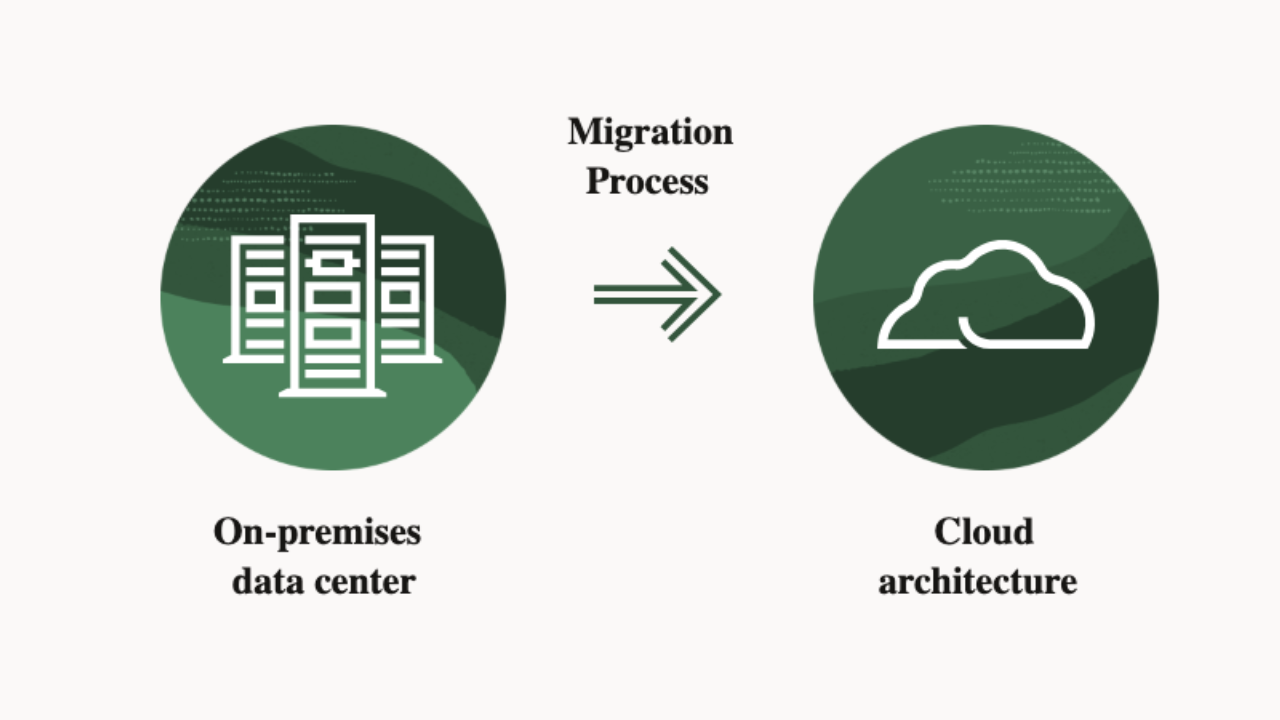
Moving a database to the cloud can affect almost every part of a business’s IT environment. Applications depend on database connections, reports rely on accurate records, and background services may run queries throughout the day. If these dependencies are overlooked, even a technically successful migration can disrupt normal operations.
A well-planned cloud database migration starts with understanding the existing setup. Teams need to review their data, applications, security requirements, and recovery arrangements before deciding how to move. The following steps provide a practical starting point.
Assess the existing database environment
Begin with an inventory of the databases you intend to move. Record the database engine and version, storage size, schema, data growth, licensing requirements, and current backup arrangements.
Performance history also matters. Review query response times, connection activity, transaction volume, and peak usage periods. These details help the team estimate the resources required in the cloud and identify potential compatibility issues.
Include stored procedures, triggers, indexes, custom scripts, and scheduled jobs in the assessment. Some database-specific functions may need changes when moving to another platform.
Map application and service dependencies
A database rarely operates on its own. Applications, APIs, reporting tools, authentication services, ETL pipelines, and third-party integrations may all depend on it.
Document which systems read or update the data and who manages each connection. This makes it easier to plan configuration changes during migration.
Consider a reporting application that connects directly to an on-premises database. If its connection settings remain unchanged after the move, reports may stop updating even when the cloud database is running correctly. Testing these dependencies helps prevent issues during cutover.
Choose a suitable cloud database platform
The target service should support the database workload and the applications that use it. Businesses moving relational databases may evaluate Amazon RDS, Amazon Aurora, Azure SQL Database, or Google Cloud SQL. Analytics workloads may require a data warehouse such as BigQuery or Amazon Redshift.
Compare the available services against database compatibility, transaction requirements, storage capacity, availability, backup options, security controls, licensing, and expected costs.
Managed database services can reduce routine infrastructure work, including some backup, patching, and monitoring tasks. Teams still need to configure access, review service settings, and monitor resource usage.
Select the migration approach
The migration strategy determines how much change the project requires.
- Rehosting: Moves the database to cloud infrastructure with few changes.
- Replatforming: Moves it to a managed service or a similar platform with some configuration adjustments.
- Refactoring: Changes the database or application architecture to suit the target environment.
- Repurchasing: Replaces an existing application with a cloud-based service.
- Retaining or retiring: Keeps databases that must remain in their current environment or removes systems that are no longer required.
The choice depends on business requirements, technical complexity, downtime limits, and available resources. A backup-and-restore method may suit a smaller database, while a system handling ongoing transactions may need replication and a planned cutover.
Establish security and recovery requirements
Review the information stored in the database before transferring it. Customer records, financial details, employee information, and healthcare data may require specific security controls.
The migration plan should address encryption in transit and at rest, identity and access management, role-based permissions, firewall rules, audit logs, credential handling, and backup encryption. Organizations subject to requirements such as HIPAA, PCI DSS, SOC 2, or ISO 27001 should account for the controls that apply to their operations.
Prepare a verified backup and test the restoration process. Define the recovery time objective (RTO), which sets the target time for restoring service, and the recovery point objective (RPO), which establishes the acceptable amount of data loss measured in time. Document the conditions and steps for returning to the source environment if the migration encounters a serious problem.
Test before the production cutover
Run a trial migration in a development or staging environment. Check schema compatibility, stored procedures, application connections, user permissions, reports, and scheduled jobs.
After the transfer, compare source and target data using table counts, row counts, sample records, and checksums where appropriate. Test important transactions and confirm that applications return the expected results.
Plan the production cutover around business operations. Assign responsibilities, agree on a maintenance window, communicate the schedule, and document the final synchronization and connection changes.
Monitor the database after migration
Once users begin working with the new environment, monitor CPU and memory usage, storage, database connections, query response times, replication, backup results, and application errors.
Compare these measurements with the baseline recorded before migration. Review instance sizing, indexes, connection pools, and slow queries when performance changes. Track storage, backup, and data-transfer costs as well, since these can affect the monthly cloud bill.
Final thoughts
Cloud database migration involves more than transferring records between environments. It requires a clear view of existing dependencies, suitable platform selection, security planning, tested recovery procedures, and ongoing monitoring.
Organizations that need help with database assessment, cloud architecture, migration execution, and post-migration support can consult an experienced cloud services provider such as Tek Yantra. Careful preparation gives technical teams a clearer path through the migration and helps protect the applications and business processes that depend on their data.