
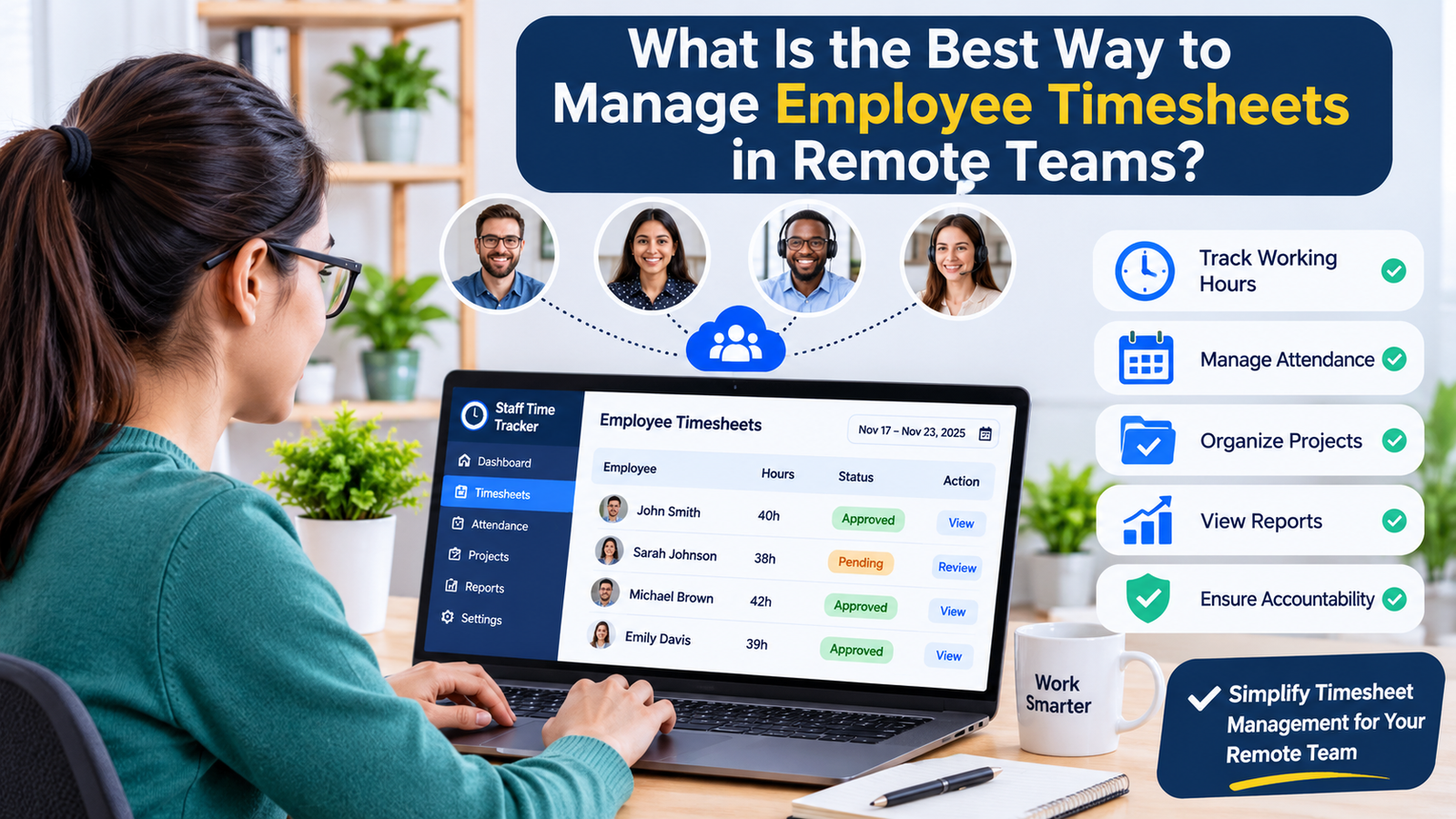
Managing employee timesheets in remote teams can be challenging because employees work from different locations, follow flexible schedules, and handle multiple projects. Without an organized system, businesses may experience inaccurate working-hour records, missing time entries, payroll errors, and difficulties monitoring project progress.
The best way to manage remote employee timesheets is to use a centralized digital system that records working hours, organizes attendance, tracks project time, and simplifies timesheet approvals. Combined with clear workplace policies and regular communication, this approach helps businesses maintain accurate records without micromanaging employees.
Let’s explore the most effective ways to manage employee timesheets in remote teams.
1. Use a Centralized Timesheet Management System
Managing employee timesheets through spreadsheets, emails, or separate documents can become complicated as remote teams grow. A centralized digital system makes it easier to organize employee working hours in one place.
Managers can use a single platform to review timesheets, monitor attendance, and access employee work-hour records.
Key benefits include:
- Organized employee time records.
- Easier timesheet reviews.
- Reduced manual data entry.
- Better visibility into working hours.
- Simplified workforce administration.
A centralized system also helps HR teams maintain consistent records across distributed teams.
2. Establish Clear Timesheet Policies
Before introducing timesheet software, businesses should establish clear guidelines for recording employee working hours.
Employees should understand when and how to submit their timesheets, how breaks are recorded, and what information is required for project-related work.
Important policies should cover:
- Daily working-hour requirements.
- Clock-in and clock-out procedures.
- Break and overtime reporting.
- Timesheet submission deadlines.
- Corrections and approval processes.
Clear policies help prevent confusion and encourage employees to maintain accurate time records.
3. Automate Employee Time Tracking
Manual timesheet preparation takes time and increases the possibility of errors. Automated time tracking helps employees record working hours more consistently.
With digital time tracking, employees can record their start times, end times, and time spent on different activities.
Automation can help businesses reduce administrative work, improve record accuracy, and make timesheet preparation easier.
It also allows managers to review working-hour information without repeatedly requesting updates from employees.
4. Track Time by Project and Task
Remote employees often work on multiple projects simultaneously. Recording only total daily working hours may not provide enough information for effective project management.
Businesses should encourage employees to categorize their working hours by project or task.
This helps managers understand:
- How much time each project requires.
- Which tasks consume the most working hours.
- Whether projects are progressing as expected.
- How employee workloads are distributed.
- Which activities may need improvement.
Project-based time tracking also supports more accurate client billing and project budgeting.
5. Set Regular Timesheet Submission Deadlines
Consistent submission schedules help managers maintain accurate records and prevent missing time entries.
Businesses can establish daily or weekly timesheet submission deadlines depending on their operational requirements.
For example, employees may record their hours daily and submit their completed timesheets every Friday.
Regular submissions make it easier for managers to review records, identify missing information, and prepare payroll on time.
6. Introduce a Simple Approval Process
Timesheet approval is important for maintaining reliable employee working-hour records.
Managers or supervisors should review submitted timesheets before approving them for payroll or project reporting.
An effective approval process should include:
- Reviewing recorded working hours.
- Checking missing or incomplete entries.
- Verifying overtime information.
- Reviewing project time allocation.
- Requesting corrections when necessary.
The process should remain simple so that approvals do not create unnecessary administrative delays.
7. Integrate Timesheets With Attendance Management
Employee timesheets and attendance records provide different but related information. Combining them can help businesses maintain a clearer picture of workforce operations.
Attendance records show when employees arrive and leave, while timesheets provide details about how working hours are recorded and allocated.
Connecting these records helps managers identify discrepancies, review attendance patterns, and maintain more organized workforce information.
8. Make Timesheets Accessible to Remote Employees
Remote employees need convenient ways to record and review their working hours.
Cloud-based timesheet systems allow authorized employees and managers to access relevant information from different locations.
Businesses should choose tools that are easy to use across supported devices and provide secure access to employee records.
An accessible system encourages timely updates and reduces the administrative burden associated with remote workforce management.
9. Review Timesheet Reports Regularly
Timesheet reports provide useful information about employee working hours, project activities, and workload distribution.
Managers should review these reports regularly to understand workforce trends and identify possible operational problems.
For example, reports can reveal whether certain projects consistently require more time than expected or whether workloads are unevenly distributed.
These insights support better scheduling, project planning, and resource allocation.
10. Maintain Transparency and Employee Trust
Effective timesheet management should not create unnecessary pressure or make remote employees feel constantly monitored.
Businesses should explain why working hours are recorded, how the information is used, and who can access employee records.
Employees should also have opportunities to review their timesheets and request corrections when information is inaccurate.
Transparent processes encourage accountability while helping organizations maintain positive working relationships.
What Features Should Remote Teams Look for in Timesheet Software?
Choosing the right software can make employee timesheet management significantly easier.
Here are some useful features businesses should consider:
- Automated Time Tracking: Records employee working hours digitally.
- Timesheet Management: Organizes and maintains employee time records.
- Attendance Tracking: Helps monitor clock-in and clock-out activities.
- Project Tracking: Records time spent on individual projects and tasks.
- Approval Workflows: Allows managers to review and approve timesheets.
- Reporting and Analytics: Provides insights into working hours and project activity.
- Leave Management: Organizes employee leave and time-off requests.
- Payroll Tools: Helps prepare payroll information using tracked hours.
The right combination of features depends on team size, project requirements, and business operations.
How Staff Time Tracker Supports Remote Employee Timesheet Management
Staff Time Tracker is an all-in-one employee time tracking and workforce management platform designed for remote, hybrid, and office-based teams.
It helps businesses manage employee working hours, attendance, productivity, projects, timesheets, leave, and workforce activities through a centralized dashboard.
The platform includes screenshot tracking, idle time detection, app and URL tracking, GPS time tracking, project tracking, reporting, and workforce analytics.
These features help managers:
- Organize employee timesheets and working-hour records.
- Monitor attendance across distributed teams.
- Understand project time allocation.
- Review workforce activity and productivity trends.
- Manage leave and time-off requests.
- Access reports for better workforce planning.
By bringing important workforce management activities together, Staff Time Tracker helps businesses maintain better visibility into remote team operations and simplify everyday timekeeping processes.
Conclusion
Managing employee timesheets in remote teams requires an organized approach, clear policies, and reliable digital tools. Centralized timesheet management, automated time tracking, project-based records, and regular approvals can help businesses reduce errors and improve workforce visibility.
However, successful timesheet management is not only about recording hours. It also requires transparency, employee trust, and consistent communication.
By adopting an effective timesheet management process, businesses can simplify payroll preparation, improve project planning, and manage distributed teams more efficiently.
Frequently Asked Questions (FAQs)
1. What is employee timesheet management?
Employee timesheet management is the process of recording, organizing, reviewing, and approving employee working hours to support attendance management, payroll, and project planning.
2. What is the best way to manage remote employee timesheets?
The best approach is to use centralized timesheet software with automated time tracking, project-based records, clear submission deadlines, and simple approval workflows.
3. How often should remote employees submit timesheets?
Employees can record working hours daily and submit timesheets weekly or according to their company’s payroll schedule.
4. Why is timesheet management important for remote teams?
It helps businesses maintain accurate working-hour records, manage workloads, monitor project time, reduce payroll errors, and improve workforce organization.
5. Can automated timesheet software reduce errors?
Yes. Automated systems reduce manual data entry and help maintain more consistent working-hour records.
6. How can managers verify remote employee timesheets?
Managers can review time entries, attendance records, project allocations, and approved work schedules. Any unusual discrepancies should be discussed with employees before corrections are made.
7. What is the difference between time tracking and timesheet management?
Time tracking records the hours employees work, while timesheet management organizes, reviews, and approves those records for payroll and reporting.
8. Can timesheet software help with payroll?
Yes. It helps organize working hours and overtime information, making payroll preparation more efficient.
9. What features should remote teams look for in timesheet software?
Important features include automated time tracking, attendance management, project tracking, timesheet approvals, reporting, leave management, and payroll tools.
10. How does Staff Time Tracker help manage remote employee timesheets?
Staff Time Tracker helps businesses organize timesheets, track working hours, manage attendance, monitor projects, and review workforce activity through a centralized workforce management platform.